Smart Home, Dumb Luck, Episode 2: Giving My AI Agent the Keys, Then Watching AdGuard Judge Tom’s Hardware
Episode 1 ended with a bare Proxmox install on the ThinkCentre and a Steam Deck that had briefly forgotten it was a handheld. This episode doesn’t touch Zigbee at all. That’s still in transit. Instead it’s about a decision I made consistent with this blog’s mission: get this box into a state where a Coder Agent can administer it directly over SSH. That way we can harden it properly and knock out the couple of services that don’t need me to be standing in my actual house to set up.
Why Remote Access Comes First
The whole point of routing this project through Coder Agents rather than doing it by hand is that I want an AI agent iterating on this box’s configuration over time, not just helping me type commands once. That only works if there’s a durable, secure way for an agent session to actually reach it. Bolting that on after the fact, once Home Assistant and Zigbee and a dozen LXCs are already running, is exactly the kind of thing that gets postponed forever. So it went first.
Tailscale Twice
Tailscale was already running the show for the Wake-on-LAN project and the AI workstation, so joining the ThinkCentre to the same tailnet was the obvious call. That part was easy:
curl -fsSL https://pkgs.tailscale.com/stable/debian/trixie.noarmor.gpg | tee /usr/share/keyrings/tailscale-archive-keyring.gpg >/dev/null
curl -fsSL https://pkgs.tailscale.com/stable/debian/trixie.tailscale-keyring.list | tee /etc/apt/sources.list.d/tailscale.list
apt update && apt install tailscale -y
tailscale up --authkey=<reusable-key> --hostname=pve-thinkcentreThe harder part was the other end. My Coder workspace, the thing that actually needs to reach this box, runs in a container with no /dev/net/tun, so Tailscale’s normal kernel-level networking mode is off the table there. The fix is Tailscale’s userspace networking mode, which runs entirely without a TUN device and exposes a local SOCKS5 proxy instead:
sudo tailscaled --tun=userspace-networking --socks5-server=localhost:1055 --outbound-http-proxy-listen=localhost:1055 &
sudo tailscale up --authkey=<reusable-key> --hostname=coder-vibes-agentFrom there, a normal SSH client can tunnel through that SOCKS proxy to reach anything on the tailnet:
ssh -o ProxyCommand="nc -X 5 -x localhost:1055 %h %p" -i ~/.ssh/thinkcentre_pve [email protected]A Dedicated Key Not a Borrowed One
For the actual SSH credential, I went back and forth on permanent vs. per-session disposable keys. Per-session sounds more secure in theory, but doing it manually before every agent session is the kind of process that quietly rots, forgotten revocations, reused keys, security theater. The more durable answer: one dedicated Ed25519 key, generated specifically for this integration and reused nowhere else, restricted in authorized_keys to only be accepted from inside the tailnet’s own address space:
from="100.64.0.0/10" ssh-ed25519 AAAA... coder-agent@thinkcentre-pve
That from= restriction means the key is useless from anywhere except inside my own tailnet, even if it somehow leaked. Password authentication is off entirely, and after a small follow-up fix (the sed meant to set PermitRootLogin prohibit-password silently didn’t apply the first time, worth checking config changes actually stuck, not just that the command exited zero), root login now requires a key, full stop.
One thing I explicitly decided against: Tailscale’s own built-in SSH feature. It’s a genuinely elegant answer to key management (no keys at all, auth is just “are you on the tailnet”), but it intercepts port 22 traffic and demands its own browser-based check by default, which fought with the traditional key setup I’d already built. Disabled it with tailscale set --ssh=false so plain sshd handles the connection instead.
The Reboot Test
None of this counts if it doesn’t survive a restart. Forced a full reboot and polled for reconnection:
for i in $(seq 1 20); do
  ssh -o ConnectTimeout=5 pve-thinkcentre "echo back online" 2>/dev/null && break
  sleep 10
doneBack online in under a minute, pveproxy/pvedaemon/pvestatd all active, Tailscale reconnected on its own, SSH working with zero manual steps on either end. That’s the bar for “durable enough to stop babysitting.”
Home Assistant OS Take Two Sort Of
With the plumbing solid, building the actual VM was almost anticlimactic, qm create with 4 vCPU, 6GB RAM, a 32GB disk, UEFI without pre-enrolled Secure Boot keys (HAOS’s bootloader isn’t Microsoft-signed, so this has to be explicit per Home Assistant’s own Proxmox install guide), and the latest HAOS 18.2 qcow2 image imported straight in.
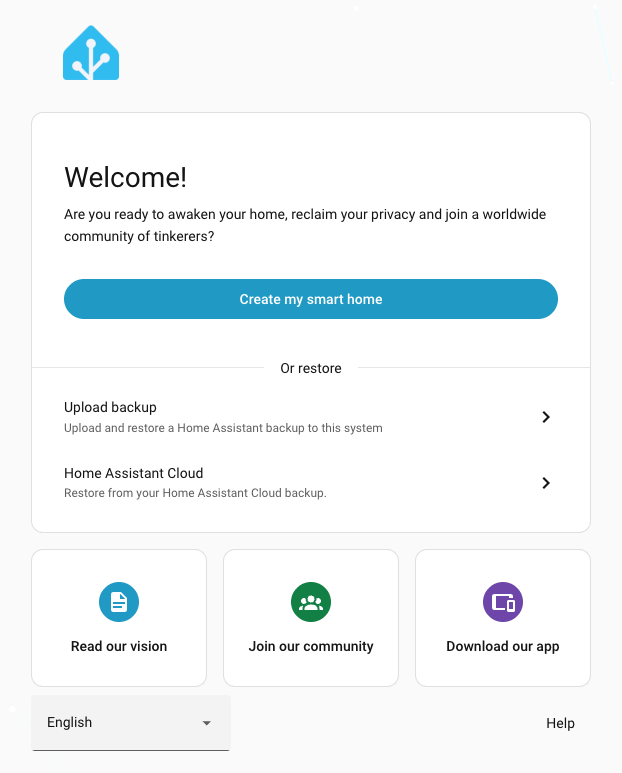
It came up, grabbed a DHCP lease, and started serving its onboarding wizard within a couple of minutes.
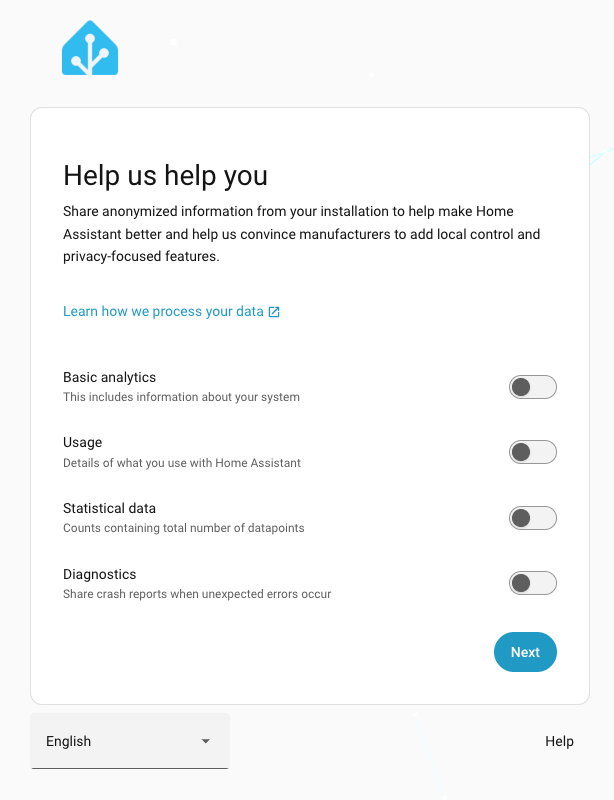
Discovery Found the Wrong House
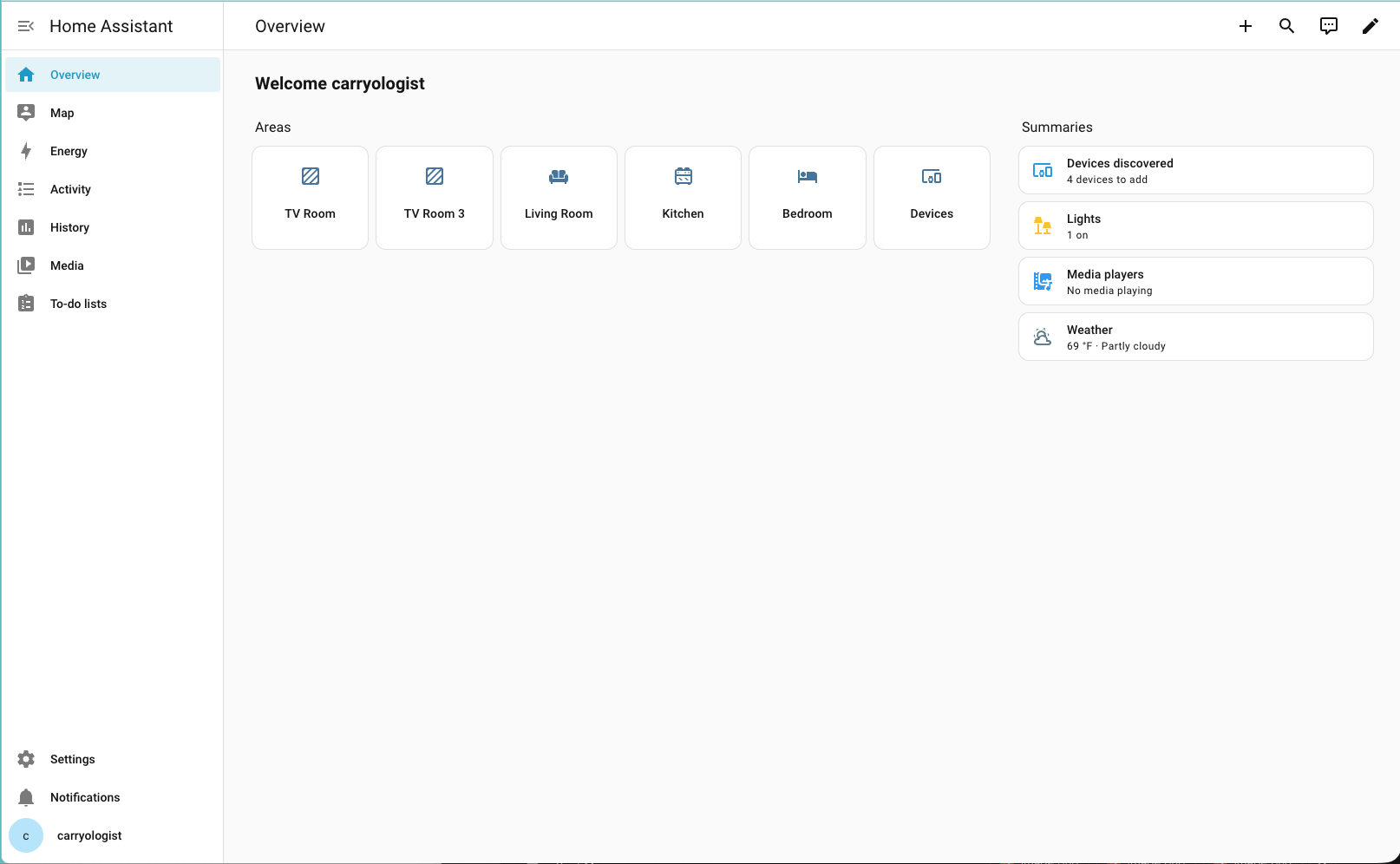
Here’s the tricky part: I’m not actually at my permanent home right now. I’m traveling, which is the entire reason Episode 1 turned into a USB-drive scavenger hunt. But as expected, Home Assistant’s discovery step found a pile of devices for the location I’m at.
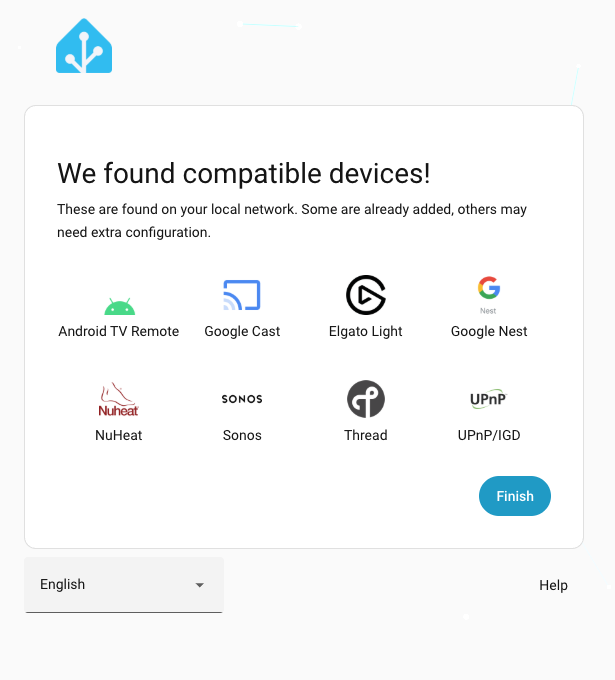
It’s whatever’s broadcasting on the network wherever I’m currently staying. The right move was to click through without configuring any of it. I’m with family, so I have full permission to tinker. Heck, I’ll probably be doing this for them soon. But because HA’s discovery listeners run continuously in the background rather than as a one-time step, there’s nothing to “re-run” once the box is actually on my home network later.
That did surface a real gotcha worth writing down before it’s forgotten: the static IP, gateway, and DNS reservation I configured for Proxmox itself are scoped to this network, not my home’s. Moving the box later without redoing that networking will likely leave it with no connectivity at all, and unlike Tailscale, that specific fix can’t be done remotely if it breaks, it needs local console access. Added to the plan doc as an explicit move-day task rather than trusting future-me to remember.
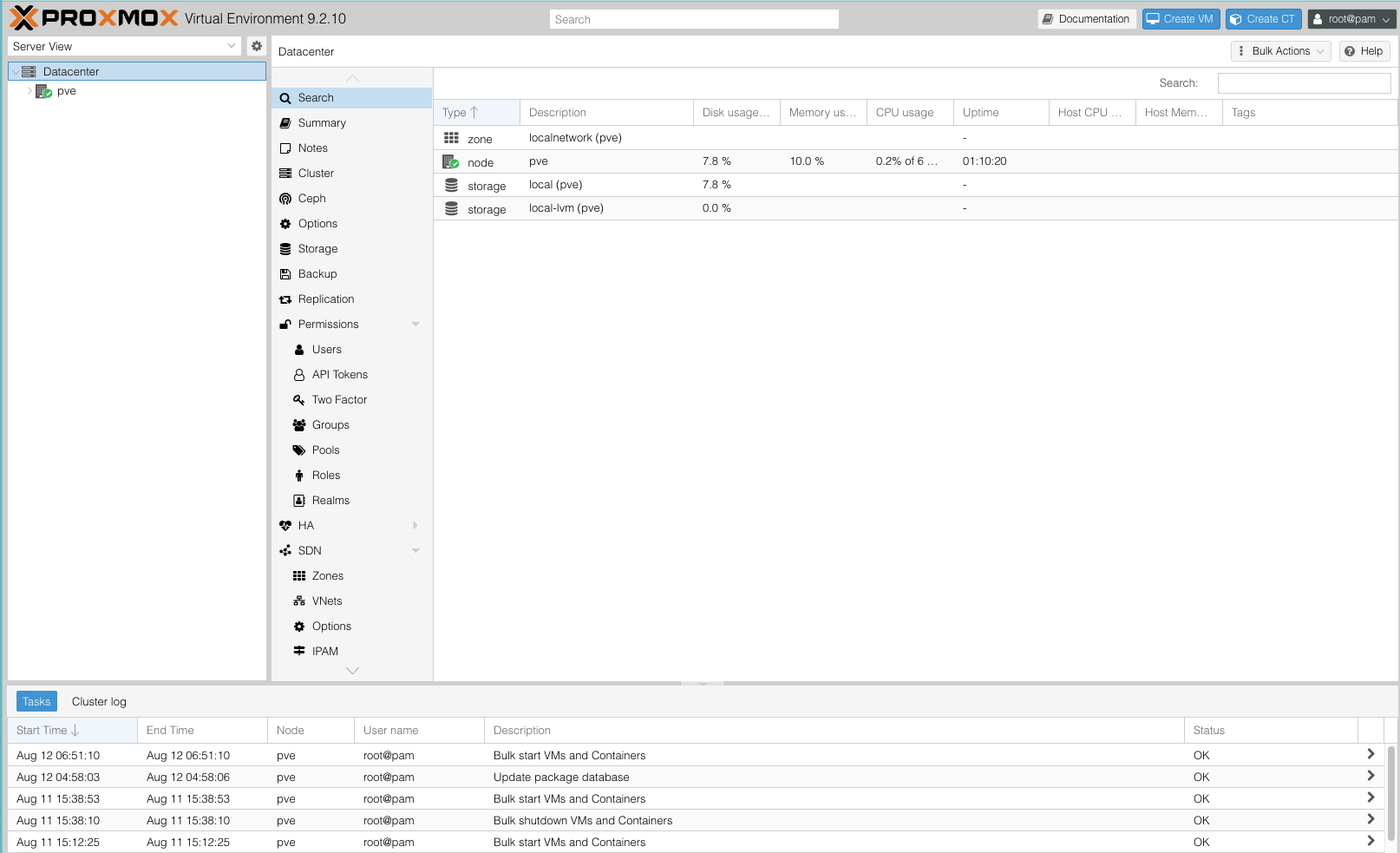
Clicking through past the discovered devices lands on Home Assistant’s actual dashboard, empty of any real integrations, which is exactly the point tonight.
Two Quick Wins While the Dongle Is in Transit
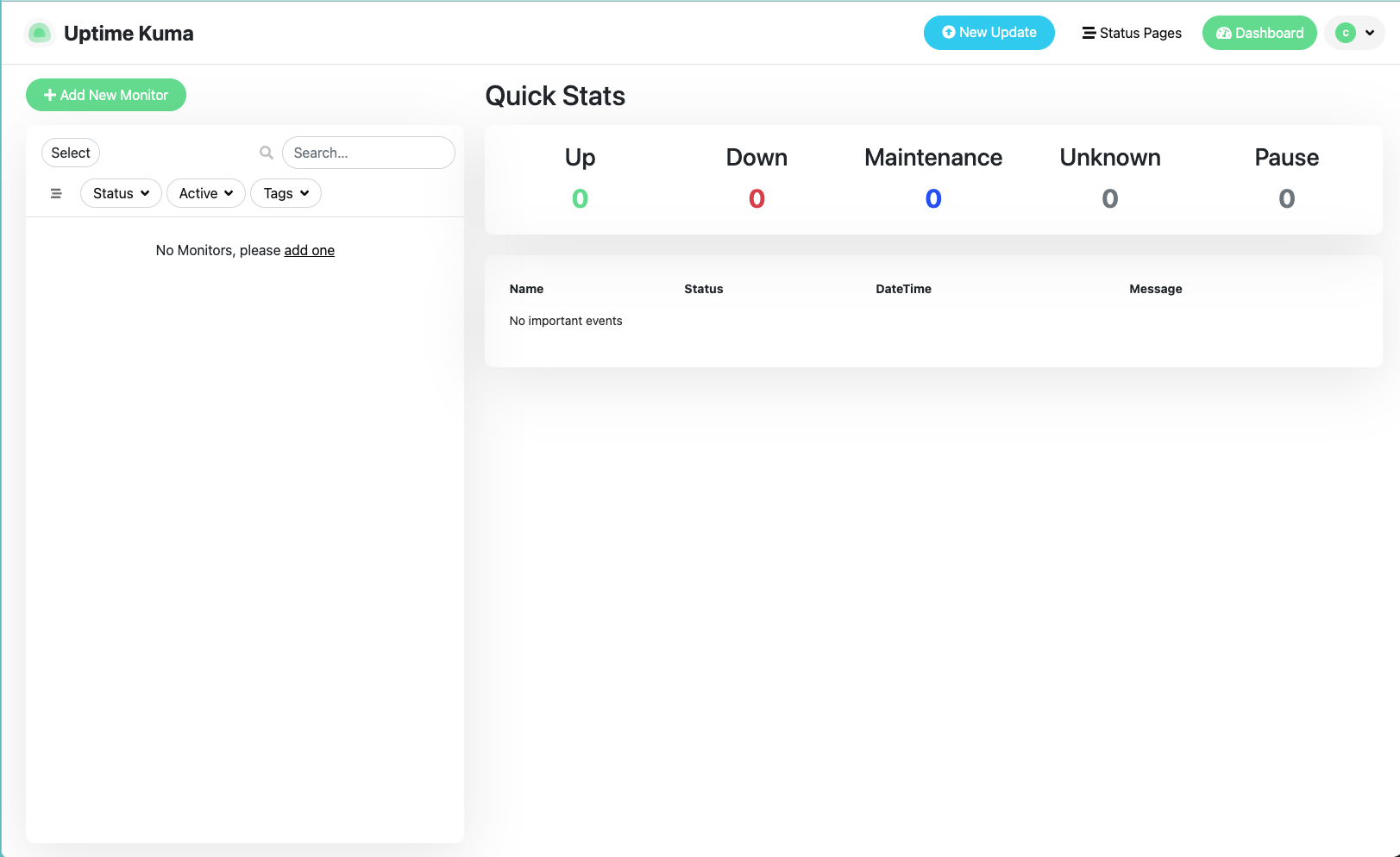
Rather than sit idle, I knocked out the two pieces of the plan that don’t depend on Zigbee hardware or being physically at home: Uptime Kuma and AdGuard Home, both as lightweight Debian 13 LXCs with Docker (Uptime Kuma) or the official installer script (AdGuard).
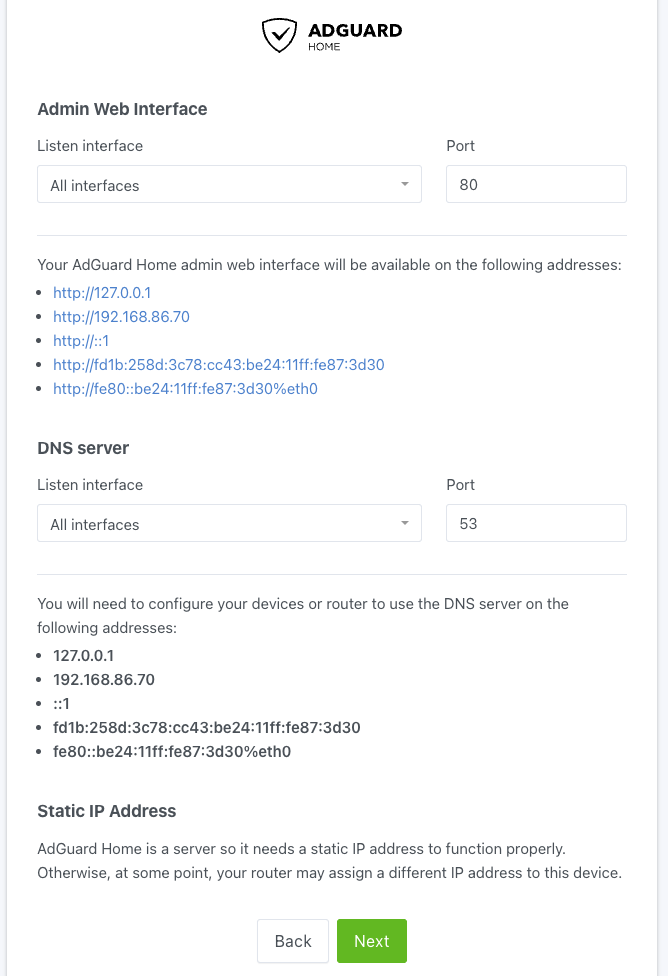
AdGuard’s setup wizard flags, correctly, that a DNS server needs a stable address to be reliable long-term. Since I’m not repointing my actual router’s DNS settings at it yet (that’s a permanent-home task, not a travel task), I skipped the static IP step for now rather than adding more move-day cleanup to an already-growing list.
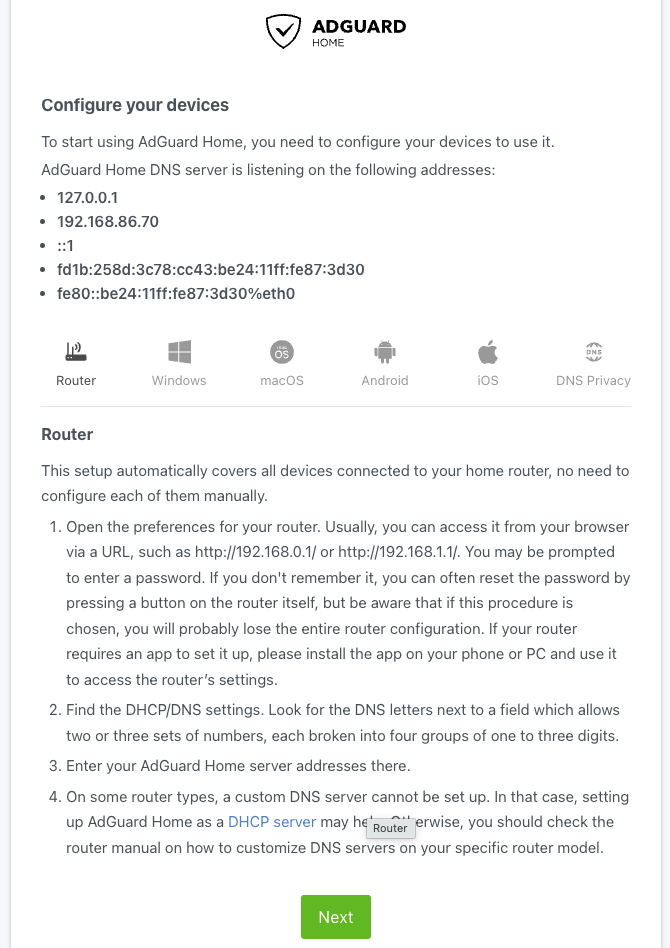
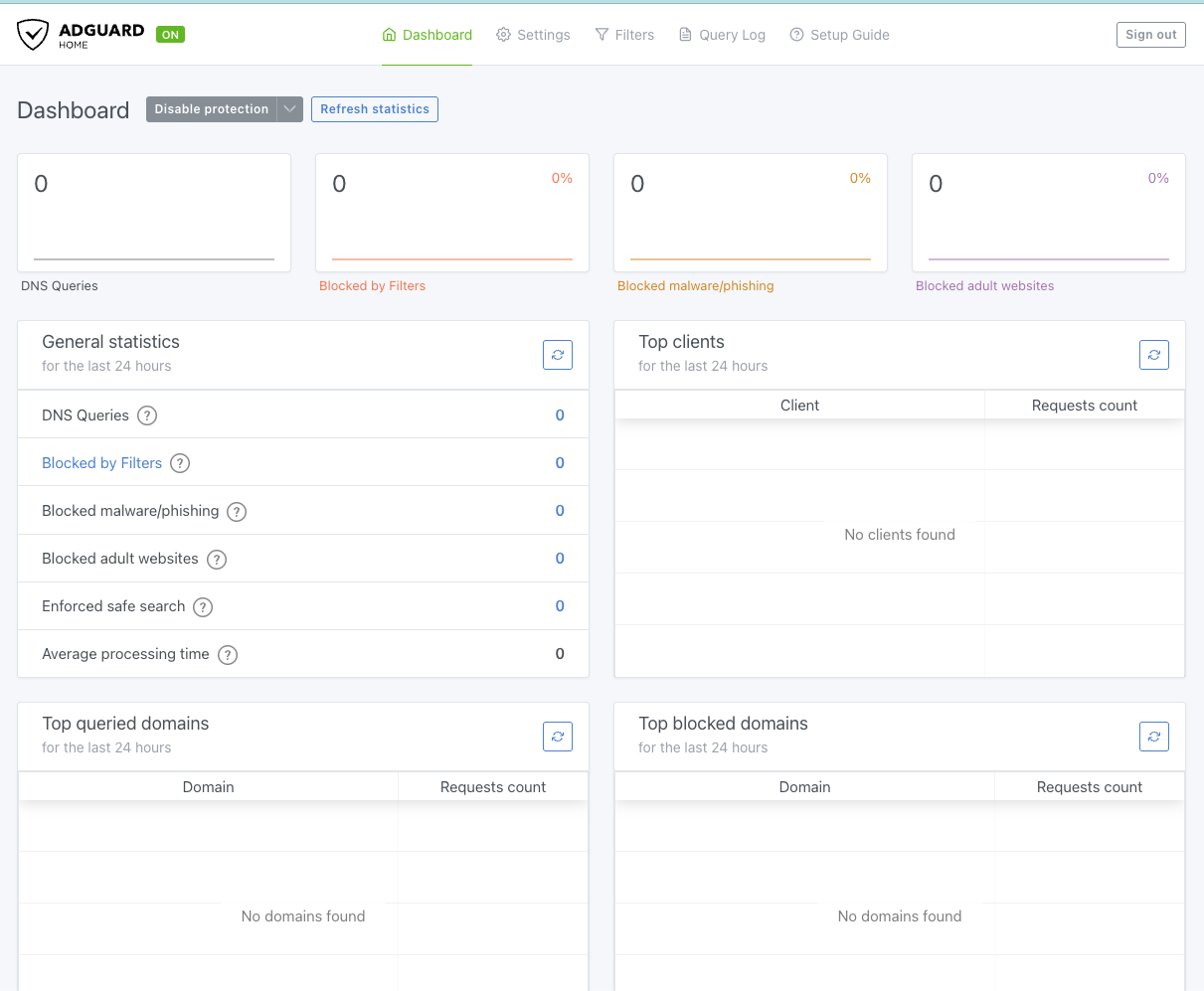
To actually test it without touching the whole network, I pointed just my MacBook and iPhone at it manually (Wi-Fi settings → Configure DNS → Manual → AdGuard’s IP), a per-device override that’s trivially reversible and doesn’t affect anything else on the network.
One Page Load 53 Blocked Requests
Then I refreshed Tom’s Hardware once, for fun, to see what would happen.
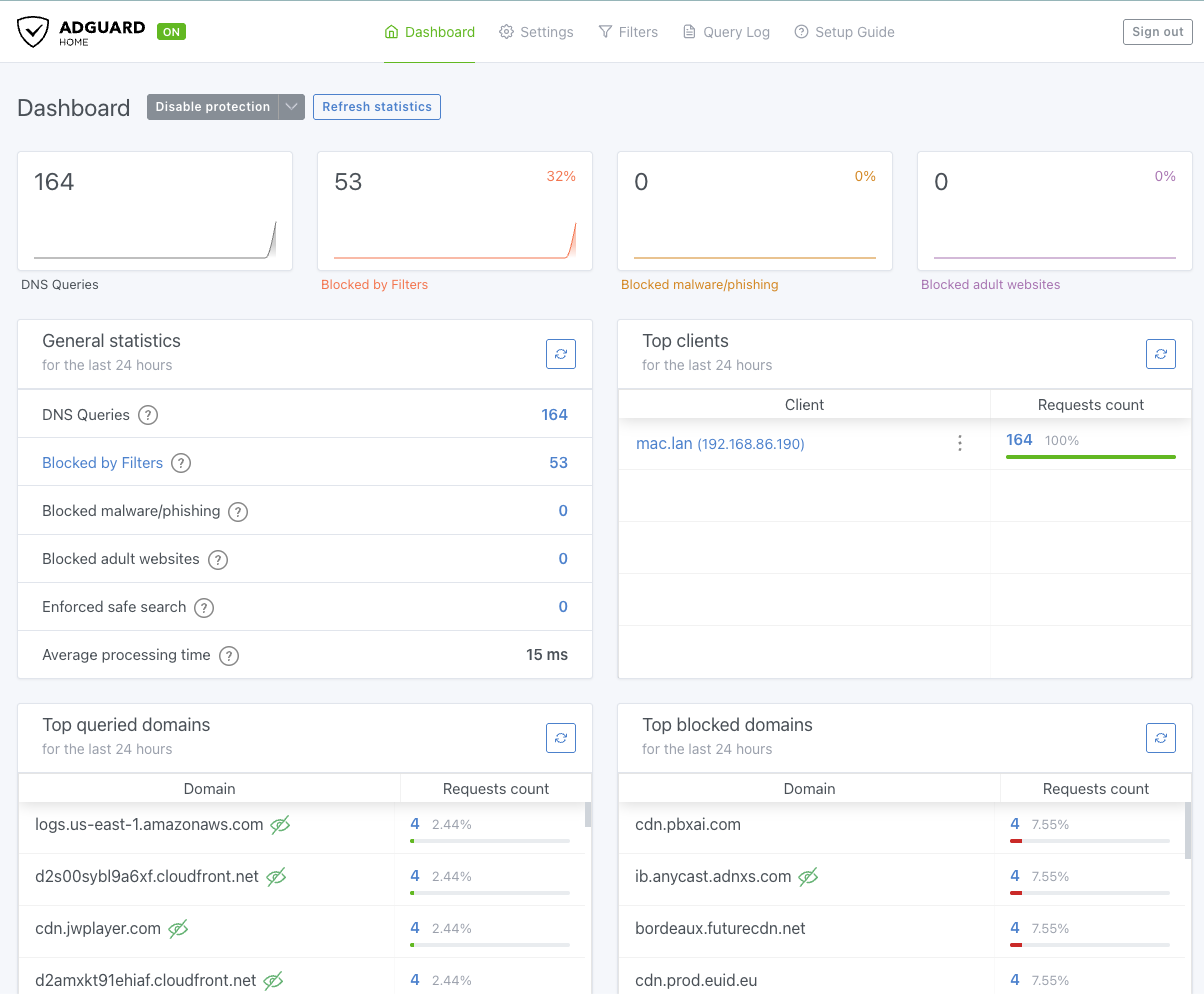
164 DNS queries, 53 of them blocked, a 32% block rate from a single article page load. That’s not a malfunction, it’s genuinely typical for a heavily ad-monetized publisher. The top blocked domains tell the actual story: ib.anycast.adnxs.com is Xandr/AppNexus, one of the largest real-time ad-bidding exchanges. cdn.prod.euid.eu is European Unified ID, a cookie-less cross-site tracking system built specifically so advertisers can follow you across publishers without traditional cookies. bordeaux.futurecdn.net is worth a caveat, Future plc owns Tom’s Hardware, so that one might be legitimate first-party infrastructure caught by an overly broad filter list rather than a tracker, a good reminder that “blocked” doesn’t automatically mean “malicious.”
Seeing that number cold, with zero configuration beyond the default filter lists, is a better argument for local-first infrastructure than anything I could have written in the abstract.
What’s Next
Episode 3 picks up the pieces I deliberately deferred this session: installing Mosquitto, ESPHome, and Node-RED as HAOS Supervisor add-ons, wiring Uptime Kuma to actually watch HAOS/AdGuard/the Proxmox host instead of sitting idle, and then the parts that genuinely require being at the permanent home with the Sonoff Dongle Plus MG24 in hand: pairing Zigbee devices, building the Wake-on-LAN button flow, and finally decommissioning SmartThings for good.
By the Numbers
- 1 dedicated SSH key, restricted to a single CIDR range, reused nowhere else
- 2 Tailscale networking modes used in one session (kernel-level on the ThinkCentre, userspace on the containerized workspace)
- 1 silently-failed
sedcommand caught and fixed on a second pass - ~40 seconds for the ThinkCentre to fully recover and reconnect after a forced reboot
- 2 new LXCs stood up (Uptime Kuma, AdGuard Home)
- 164 DNS queries from a single page load of one tech news article
- 53 of those blocked, a 32% hit rate, on default filter lists alone
- 0 Zigbee devices touched, still waiting on hardware and a plane ticket home